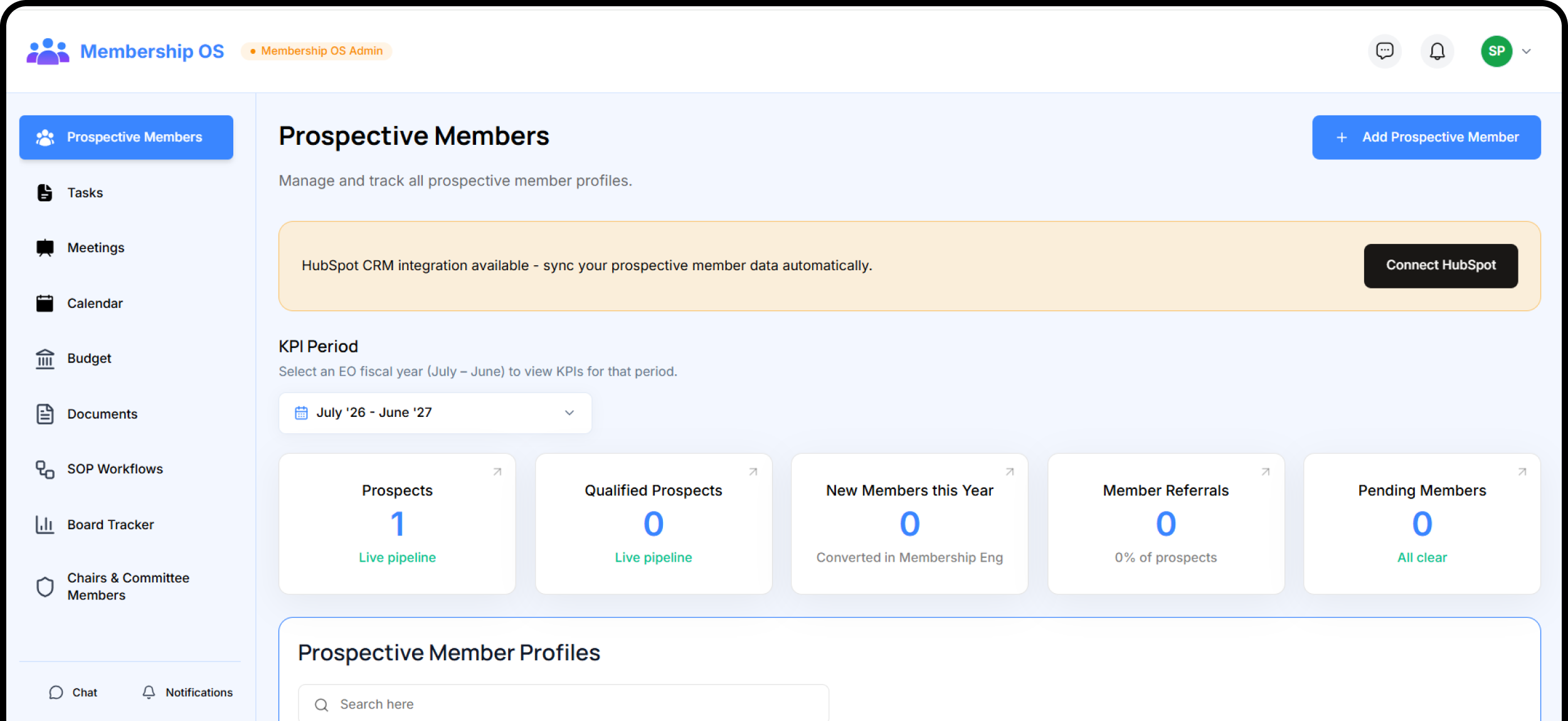
Membership OS is the membership committee's workspace. Track everyone who might become a member from a name at an expo to a fully vetted candidate the committee approves.
The Funnel Before the Funnel.From Name to Member.
Prospect Pipeline
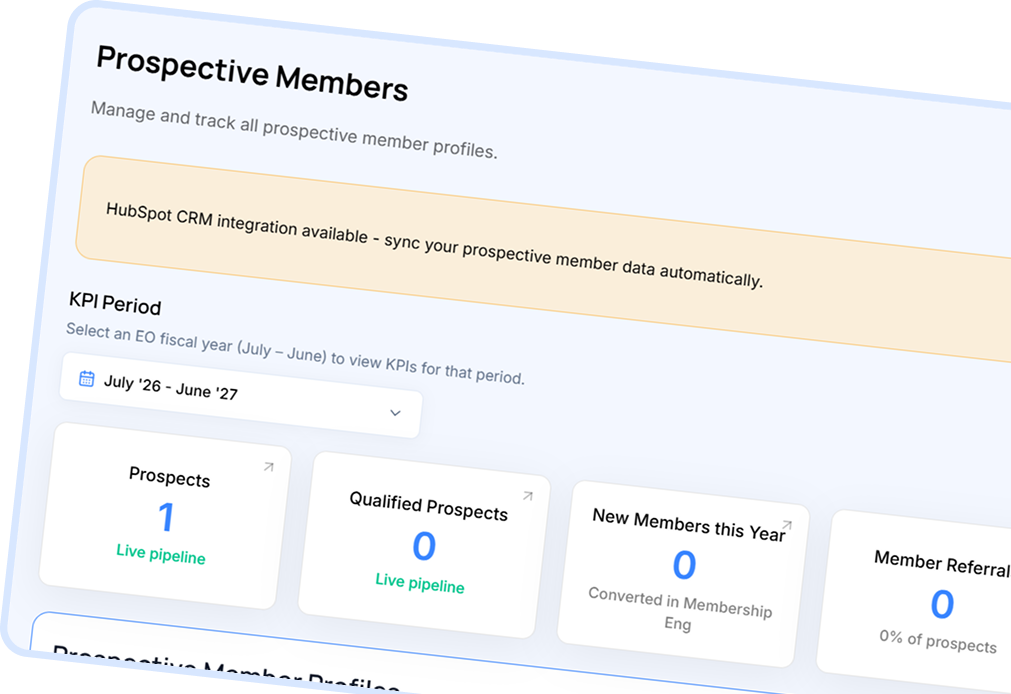
Track every prospective member from first contact through qualification to conversion.
Monthly Meetings
Tasks, meetings, documents, and workflows everything the membership committee needs.
Board Tracker
Set quarterly goals, track success metrics, and measure committee progress.
Prospect profiles with business info, EO questions, referral tracking, and status history
Features
Committee Meetings
Weekly meetings with agendas and recorded action items.
Blue hero card headlines the upcoming meeting with title, location, and date/time
Each meeting has an agenda with at least one item; action items recorded after the meeting
Default title 'Weekly Membership Committee Meeting' — customize per chapter needs
Features
Calendar & Budget
The committee's window onto the shared chapter calendar and budget.
Chapter-wide calendar shared across modules; manage events from one place
Module budget slice from the annual Trifecta OS allocation; track committee expenses
Budget view and expense management scoped to the membership committee
Features
Documents
Upload and manage membership documents in one flat library.
One flat chapter-wide file library; 25 MB per file, no folders or visibility tiers
Upload, rename, and delete documents with permission-controlled access
Features
Workflow Diagrams
Document how the committee runs a process, as a swim-lane diagram.
Horizontal lanes for roles: membership chair, committee, prospective member, system
Up to 12 lanes, 200 nodes, and 400 edges per diagram, documentation, not automation
Features
Board Tracker
Track quarterly goals, success metrics, and committee progress.
One flat list of quarterly goals per chapter year (July–June, four quarters)
Each goal has a title, success metric, priority action, quarter, and status tracking
Everything You Need to Know About Membership OS
What is Membership OS and who uses it?
Membership OS is the membership committee's workspace — a prospective member CRM plus tasks, meetings, documents, workflows, and a board tracker. It is used by the Membership Chair, committee members, and the Chapter Owner.
How does the prospective member pipeline work?
Each prospect moves through a color-coded funnel: New Lead (blue) → Contacted (orange) → Interested (violet) → Qualified (green). Only a Qualified prospect can be converted to a chapter member. The committee's decision is a manual record, not a voting workflow.
What happens when a prospect is converted to a member?
One click creates a chapter profile, a membership record, and a Member Engagement profile. If the email already has an account it is reused; otherwise a locked, deferred-activation account is created — no invitation is sent until the team sends them to Forum OS.
How does the committee manage its own work?
Membership OS includes a shared task board with priorities and due dates, weekly committee meetings with agendas and action items, a document library, swim-lane workflow diagrams, and a board tracker for quarterly goals.
Can the committee document its processes visually?
Yes. The Workflow feature lets the committee build swim-lane diagrams showing who does what, in which order. Diagrams support steps, decisions, outcomes, and text notes across up to 12 lanes — documentation, not automation.
Keep Every Member Engaged
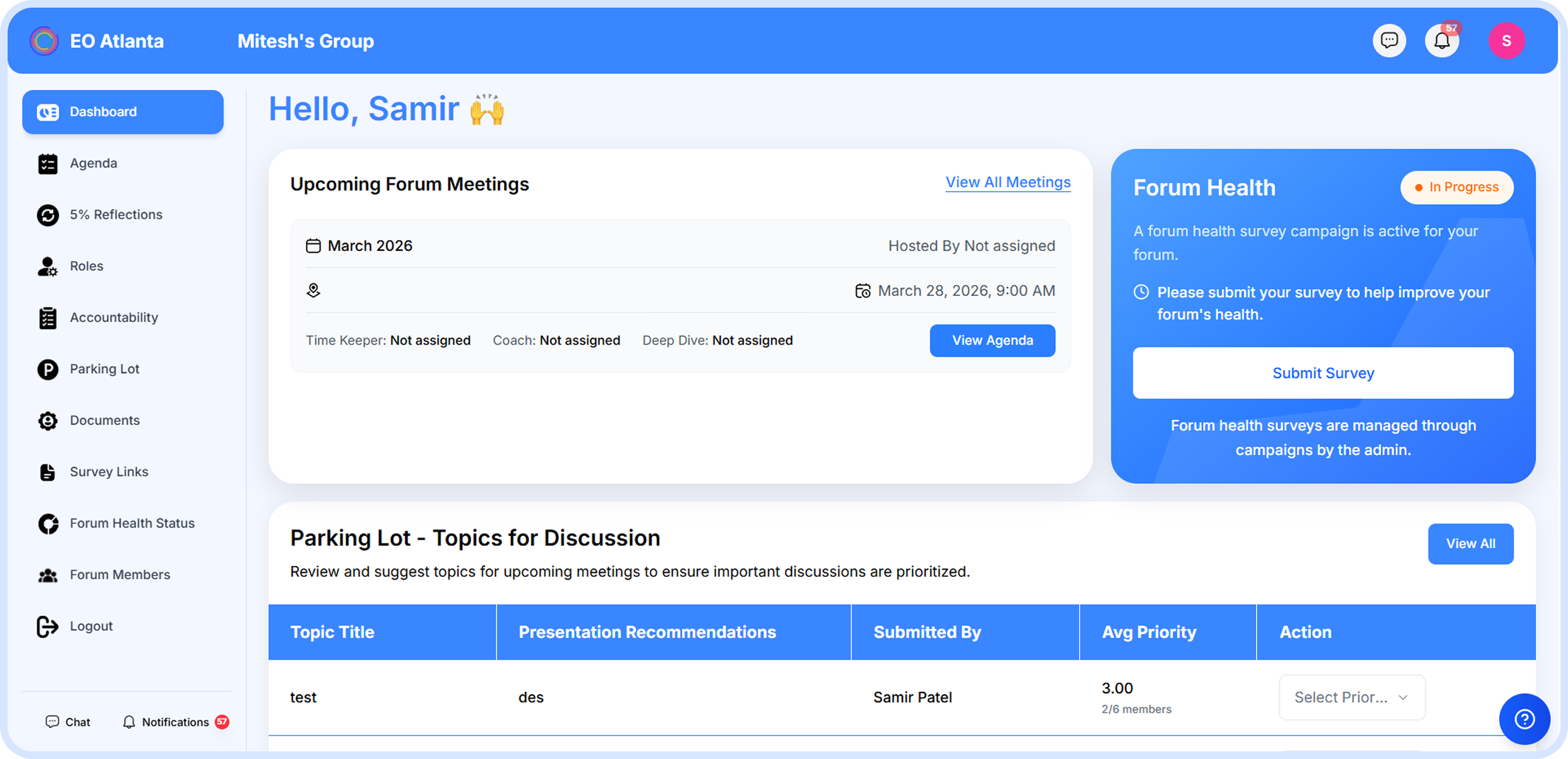
From engagement scoring and QR event check-in to the four automatic watch-lists that catch slipping members before they disengage — Member Engagement OS holds the board accountable to its annual plan.






.png)
.png)
.png)
.png)
.png)





.png)
.png)


