Trifecta is the cross-module leadership layer — where the year's budget is split across Membership, Engagement, and the Forum, and where the whole chapter rolls up.
One Chapter Budget. Every Module Aligned.
Budget Allocation
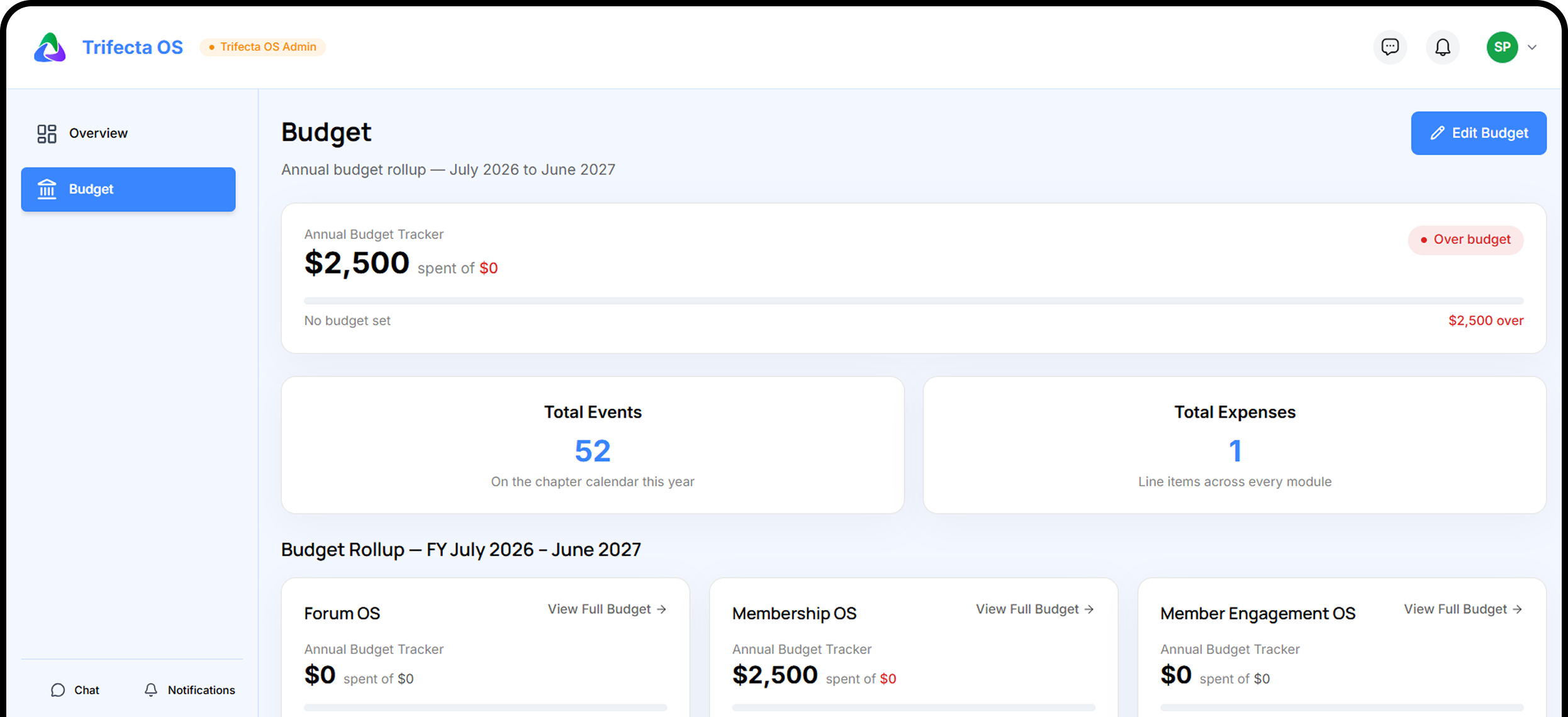
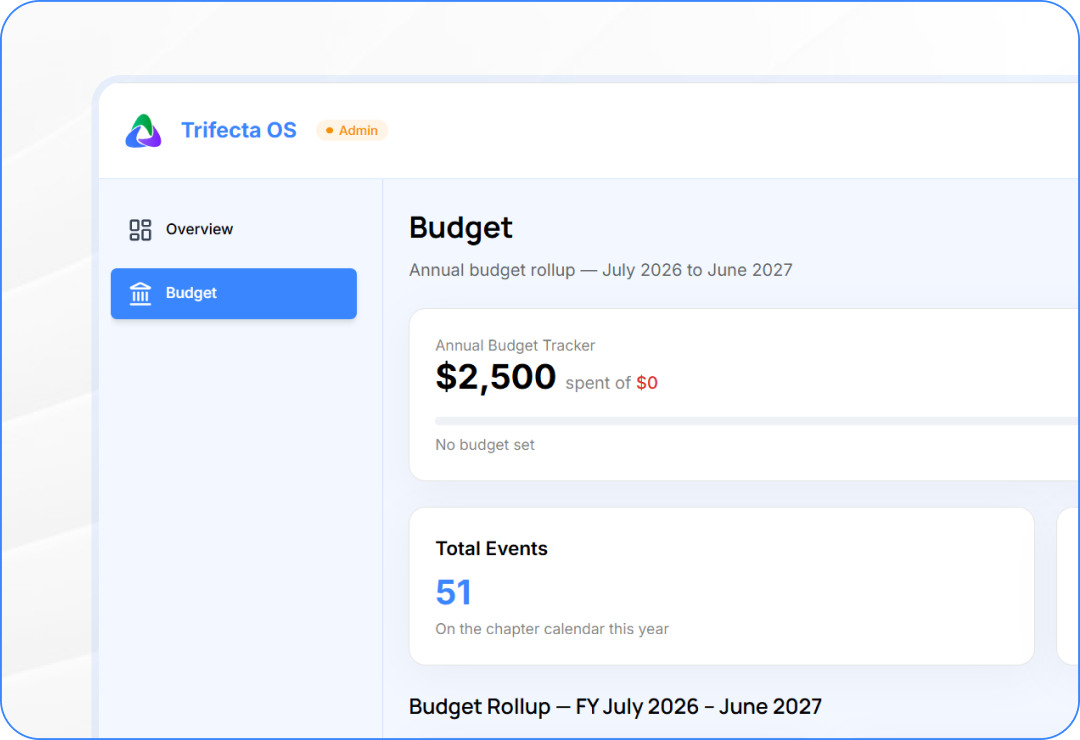
Set each module's annual allocation and track spend against a single chapter total.
Chapter-Wide Rollup
The rollup sums the same rows the modules spend — no second tally to reconcile.
Expense Tracking
Record line items by category, link expenses to calendar events, and track budget status.
Fiscal year runs July to June, derived automatically
Features
Module Allocations
Every module gets its own budget slice.
Allocate a dollar figure per spending module for the year
Each module records expenses against its own allocation
Live 'Chapter total' updates as you set each slice
Features
Expense Tracking
Record every dollar with category, date, and receipt.
Log expenses with name, category, date, and amount
Attach optional receipts up to 25 MB per expense
Track candidates through survey, intro meeting, and 90-day follow-up
Features
Events & Expenses
Link spending to your chapter calendar.
Attach expenses to shared calendar events across modules
See event-grouped spending with totals and budget percentages
Deleted events move expenses to 'General spending' — nothing lost
Everything You Need to Know About Trifecta OS
What does Trifecta OS do for our chapter?
Trifecta OS is where the chapter's annual budget is set, split across modules, and rolled up. Each module records its own expenses against the allocation the Trifecta gives it.
How does the chapter budget work in Trifecta OS?
One budget per chapter per fiscal year (July–June). The Trifecta allocates a dollar figure per spending module, each module spends against its slice, and the rollup sums the same rows — no second tally to reconcile.
What do the budget status indicators mean?
Under Budget (green) means spend is below 90% of the allocation. Nearing Budget (amber) means 90% or more has been used. Over Budget (red) means spend exceeds the allocation, or any spend exists with no allocation set.
How are expenses tracked and categorized?
New members are tracked as a dedicated First 90 Days cohort, with a buddy, day counter, progress tracking, and a graduation moment.
Can each module only see its own budget?
Each expense has a name, category, date, amount, and optional receipt. Categories are fixed: Venue & Catering, Speakers & Programming, Marketing & Outreach, Travel & Transport, Software & Tools, and more. Expenses can link to calendar events.
Govern Your Chapter Budget
Trifecta allocates, modules spend, the rollup always matches. One annual budget that keeps every committee on track — from the first allocation to the last receipt.j






.png)
.png)
.png)





.png)
.png)


